Amidst a climate of warnings against impending AI overlord doom versus unbridled excitement to utilize chatbots, we could use a step back and a little whimsy. To help us navigate this complex climate of AI tools, I present this (mostly unhelpful) article: A blog-style review of some major Large Language Model AI platforms.
My methodology is simple: What stands out about this language model?
ChatGPT
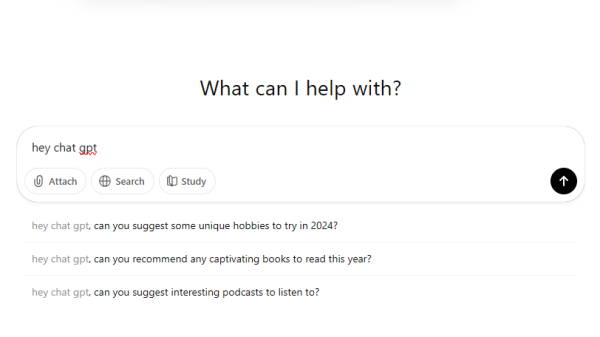
ChatGPT either reminds you of a typewriter, 2000’s chatroom, pre-color TV, or maximum corporate minimalism. The whole interface and logo is black and white and designed in a “Hi i’m a basic template kind of way”, which tracks, given the amount of GPT frame companies there are.
It’s become synonymous with “chatbot” and “ai”, and for good reason. ChatGPT boasts extensive customization and integration, in the form of “GPT’s”. Today you can find countless startups building custom GPT’s for subscription and purpose, a setup that worries some about Open AI and those firms’ longevity.
It’s worth noting that free users can’t access ChatGPT’s latest model, which is 4.0 as of writing this piece. In fact, even a premium subscription puts you on a message limit. There are also restrictions on input length, generative images, and document uploads.
Microsoft Co-Pilot
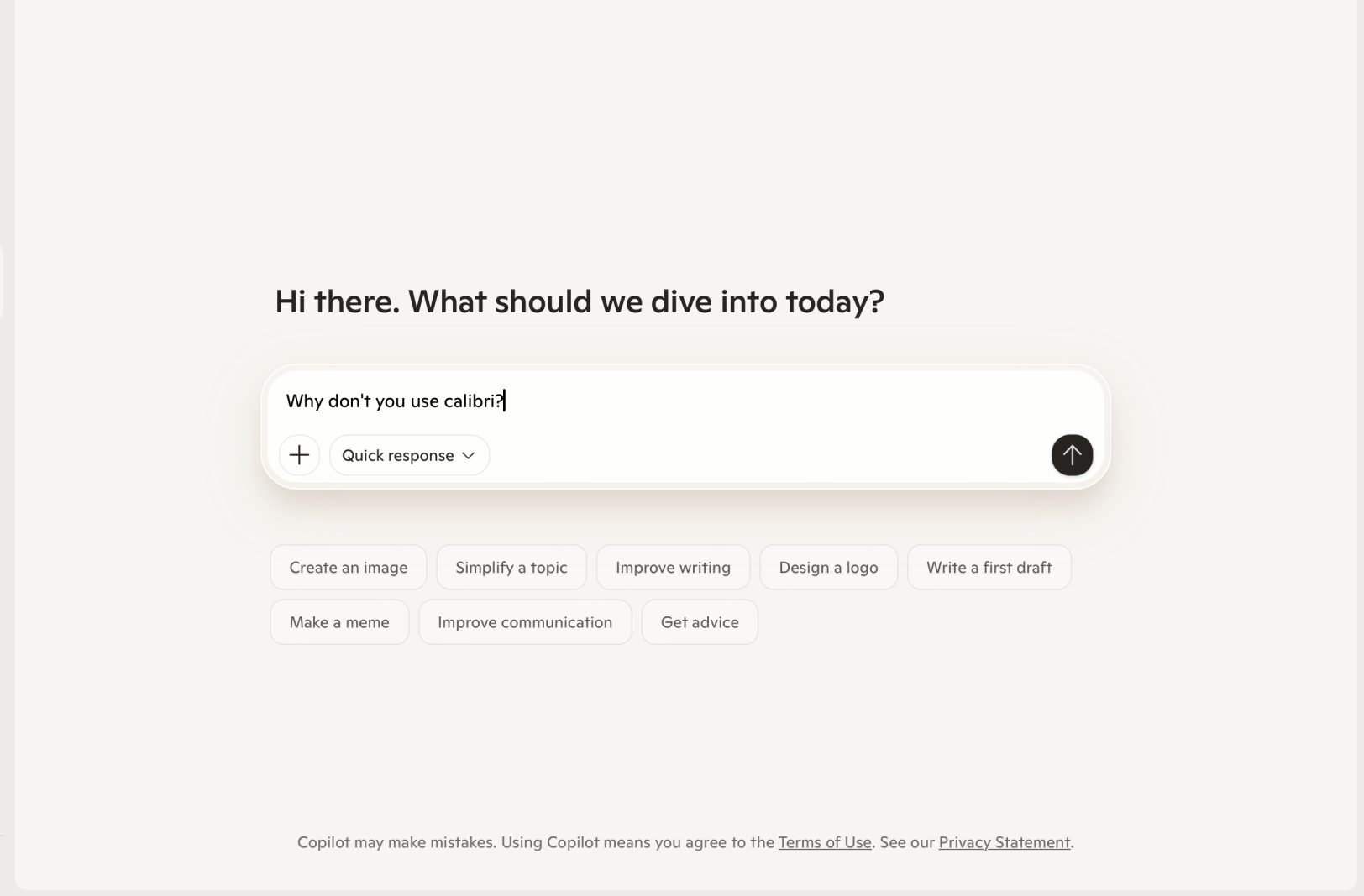
Co-pilot is weirdly the favorite of corporations. As of November 2024, nearly 70% of the Fortune 500 use Microsoft 365 Copilot. Maybe multi-billion dollar companies are drawn to each other. In some ways, it’s understandable. A large backer and long-time industry participant, Microsoft, backing Copilot makes it considerably less risky to partner. The brand name Microsoft takes the blame for potential security leaks, and the massive funds behind Microsoft have the potential for much deeper investment.
But what upsets me most about Co-Pilot is that it doesn’t use the Calibri font. Yes, the font that defaults beautifully on Word Documents rather than a grating Arial. The same one so core to the Microsoft identity and backbone of its visual symbolism. Okay, maybe the functions of Co-pilot are well segmented and organized into ‘labs’, ‘library’, ‘imagine’, and ‘discover’, but the whole sad beige look throws me off. I may need a word with whichever designer paired a rainbow logo with a peach-brown backdrop and not quite-black grey words.
Gemini
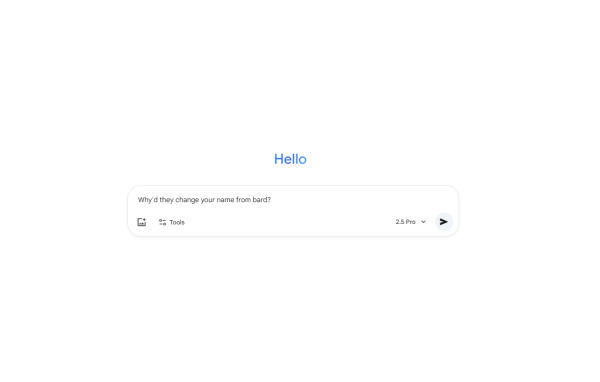
Gemini, which is the model powering ‘Google AI’, just feels like Google’s attempt to leverage its massive web of influence and make a quick buck. Honestly, I’ve never opened Gemini beyond the automatic Google AI prompt when you make a search.
It is a little sweet that Google’s more generous with free features. Free users are able to input up to 50 pages of text into the prompt box, upload all kinds of files (except for spreadsheets), and even videos 5 minutes or shorter. There’s also strong integration within the Google ecosystem. Your emails, your slideshows, and your calendar can all easily sound AI-generated now! Yay!
But the recognition of Gemini’s identity is a little marred, also interrupted by the renaming of “Bard” to “Gemini”. Despite years of internal chatbot development, Gemini’s image-creation features were quickly torn apart by social media users noticing factual inaccuracies from historical figures to the solar system. In 2024, a temporary pause was installed to fix these functions.
Claude
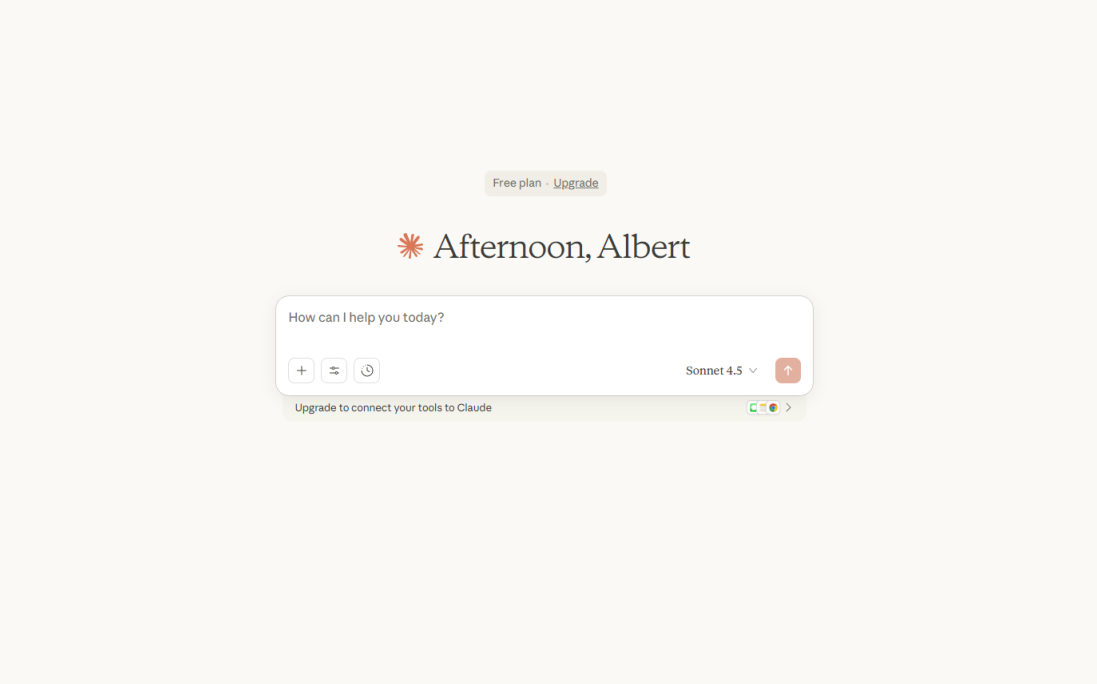
My first reaction to the Claude interface was a vision of this specific organic date chocolate company of the 2020s with an ethical, environmental mission. The warm, almost clashing muted salmon and pale yellow brown color scheme just screams ‘vintage cozy’ aesthetic. The serif script Anthropic uses leans into this too, mimicking the classic font of a book or academic text rather than the minimalist capitalism of ChatGPT. It also absorbs massive blocks of text, perhaps given its longform style setup.
Even its model names are artistic, from Haiku to Sonnet, exuding this magical feeling.
One huge downside to Claude is its ever mysterious and expensive subscription plan. There are usage limits based on “the length and complexity of your conversations, the features you use, and which Claude model you’re chatting with.” Hello? What does that mean? Claude will cut you off in the middle of a usage session with no warning, making for some inconvenient circumstances. There are multiple paid plan tiers as well, of which even the highest level doesn’t grant unlimited usage.
Deepseek
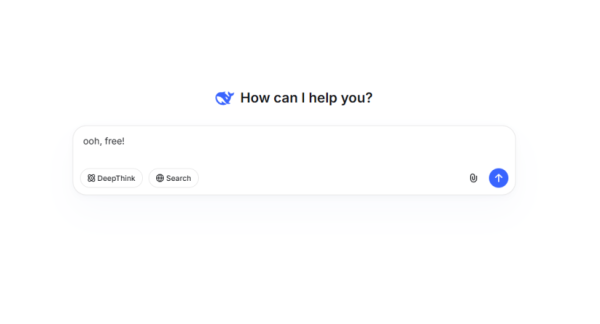
Deepseek is kind of calming, which might come from the psychological influence of a deep blue, clean neutral, and subtle cyan color palette. Although I would call the deep blue more of an indigo, it’s quite the change from other platforms. It uses a sans-serif font (like ChatGPT), but not quite the same variant.
What is notable is DeepSeek’s lack of paid content. The app or website is completely free as of now; you can’t get an upgrade even if you want one. Unlike ChatGPT, too, there’s unlimited uploads of files. Another difference however, is an inability to create visual charts or graphs directly. Interestingly, DeepSeek also asks the user to manually turn on a “DeepThink” and “Search” function, meaning its default is set at quick response times and pre-2024 knowledge. Whether this is a resourceful prioritization of efficiency and function, or an annoying extra button to click remains to be seen.
DeepSeek reinforces the sleek appearance with a proposed strength in coding. I can’t confess to being neck deep in C++, but it does analyze AP Computer Science A much better than ChatGPT.